
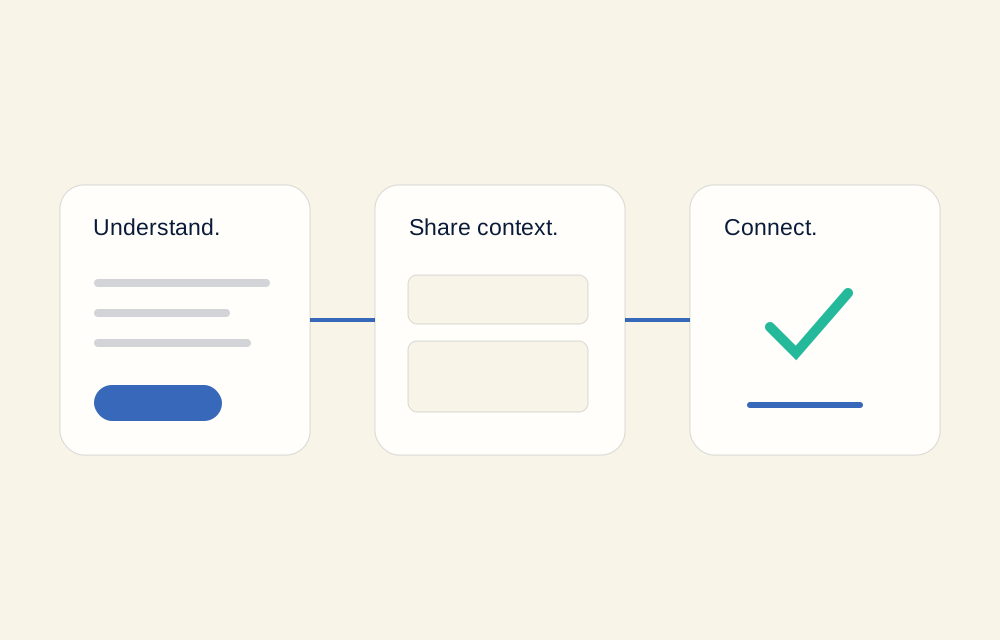
The conversation starts before the form
A visitor decides whether to get in touch while reading your offer. If the service, coverage, or next step is unclear, a form cannot fix the missing explanation. Start by making those practical details easy to find.
Write the service description around what the customer needs to know: the work you do, who it is for, and any important limits. Someone who understands the fit can send a more specific enquiry than someone who is still trying to work out what your business offers.
Give the main action a clear name
A button should tell people what will happen. “Book a call” suggests a calendar. “Send an enquiry” suggests a message. “Prepare an email draft” tells someone they still need to review and send it themselves. These are different actions, and the wording should reflect that difference.
Use one primary action at a time, with a quieter alternative for people who prefer another route. A service business does not need a checkout simply to make the website feel complete. A clear route to a useful conversation is the function to design around.
Ask for context your team can use
For each form field, ask what your team will do with the answer. A contact method lets you reply; a service choice routes the request; a short description helps prepare a response. Details without a clear purpose create work for the visitor without making the conversation better.
- Name and contact method: enough to address the person and respond.
- The service they need: useful when you offer more than one thing.
- A little context: the question, the current situation, or the work requested.
Keep optional fields genuinely optional. Do not collect sensitive information just because a visitor is willing to provide it.
Explain what happens after the click
A form confirmation should describe the actual result. If an email draft is ready, say so; if a message has been sent, only say that when the system has really sent it. Avoid promising a reply time that your team has not agreed it can meet.
“Your brief is ready. Open the email draft, review it, and send it from your email app.”
An example of clear draft-form wording
Botify’s contact page uses this draft approach. It prepares the details for your email app rather than pretending that a server has delivered the message.
Walk through the route as a customer
Open the website on a phone and follow the full path from a service page to the contact action. Check missing fields, an invalid email address, a long message, and a changed answer. Make sure errors help someone correct the problem rather than start again.
Then look at the information your team would receive. Does it explain the request? Does the subject line make sense? Is there a clear contact method? Planning the receiving side of the enquiry is as important as styling the form.
Explore Botify’s connected features to see how a website, an AI receptionist, and an agreed handoff can support this journey. The particular setup is confirmed with you before work starts.