
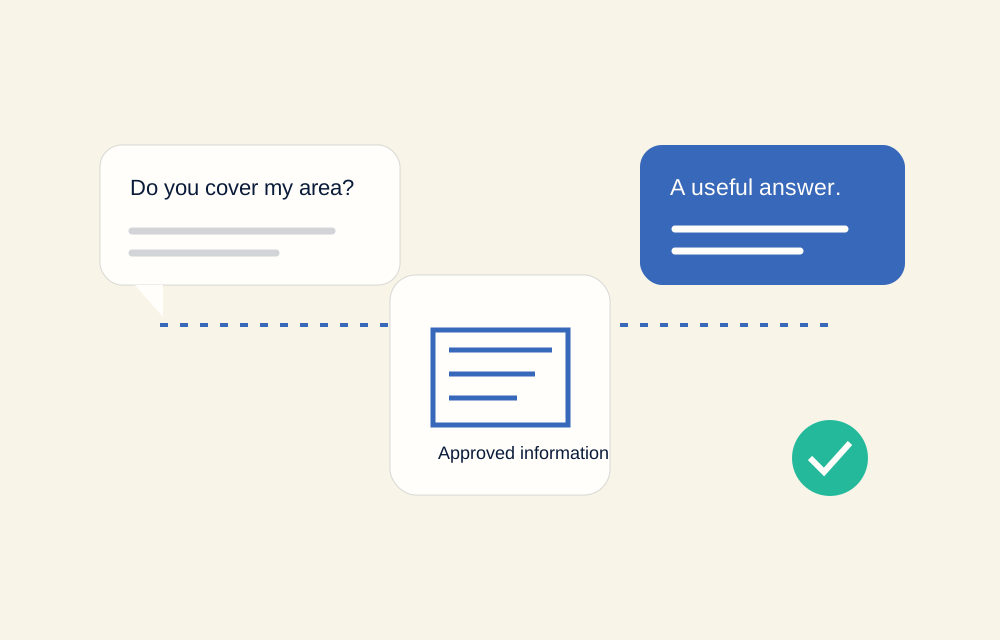
Start with information you trust
Gather your current services, business hours, service area, contact details, and booking instructions. Use the same information your team relies on when speaking with customers. If two documents disagree, resolve the difference before configuration.
Keep one approved reference for the facts that change. Add an owner for updates so an old price or cancelled service does not remain in the receptionist’s information after your website has changed.
Write the questions customers actually ask
Ask your team what comes up most often. Real questions are usually specific: Do you cover my area? How do I arrange a time? What information do you need from me? Can I speak to someone about a different request?
Write concise answers in your business’s tone. Include exceptions where they matter, and avoid promising a price, available appointment, or outcome that needs a person to confirm.
- Service questions: what you offer and what you do not.
- Practical questions: hours, locations, coverage, and how to contact you.
- Booking questions: the right link or agreed booking process.
- Uncertain questions: when your team should take over.
Agree what happens next
Decide what makes an enquiry useful for your team. That might be a name, a contact method, the service requested, and a short description. Do not collect details simply because a system can ask for them.
Plan the handoff when the receptionist cannot confidently answer: collect a message, share a contact route, or use the agreed integration. Explain AI involvement clearly; do not design the experience to pretend an assistant is a human team member.
Review ordinary and awkward conversations
Test familiar questions and the ones that are easy to misunderstand. Try missing details, a service you do not provide, an unclear request, and a question outside the business information. Review what the assistant says and what your team receives.
AI can make mistakes. It should not be treated as an emergency service or a source of professional advice. Agree on its boundaries, check responses before launch, and arrange how corrections will be made as the business changes.
Choose the setup around your work
A website conversation and a phone conversation may need different wording and next steps. Your existing calendar or CRM also affects what can be connected. Confirm the required channels and integration scope rather than assuming every tool works automatically.
Botify’s AI Receptionist service is $500 per month, with website chat and phone integration, booking and lead capture, and CRM handoff included in the listed plan. We confirm the particular setup and requirements with you before starting.